Ubiquiti UniFi: The Complete Guide to Enterprise Networking, WiFi 7, and Beyond

From WiFi 7 access points to AI-powered security cameras, Ubiquiti's UniFi ecosystem delivers enterprise-grade networking without enterprise pricing. Here's everything you need to know about building a modern Ubiquiti network in 2026.
Why Ubiquiti Dominates Enterprise Networking
Ubiquiti has transformed the networking industry by delivering enterprise-grade performance at a price point that was previously unheard of. From small offices to large-scale deployments, their UniFi ecosystem provides a single-pane-of-glass management experience that IT professionals love.
This post showcases every content block type available in our blog editor.
Featured Ubiquiti Products
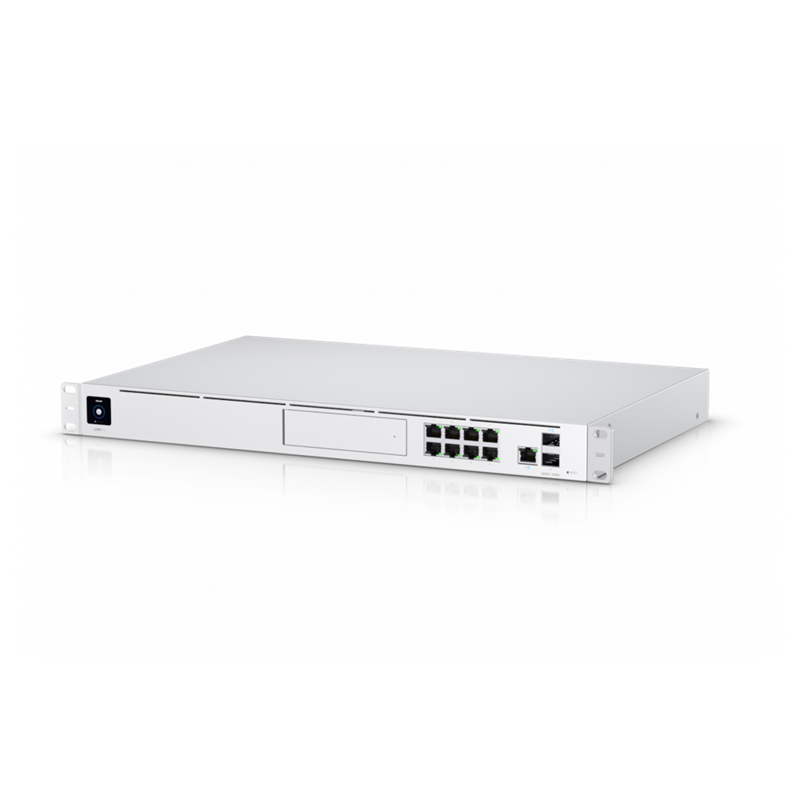
Ubiquiti UniFi Dream Machine Pro, Enterprise-grade, All-in-one Home/Office Network Solution,10 Gbps Performance, UniFi OS Console
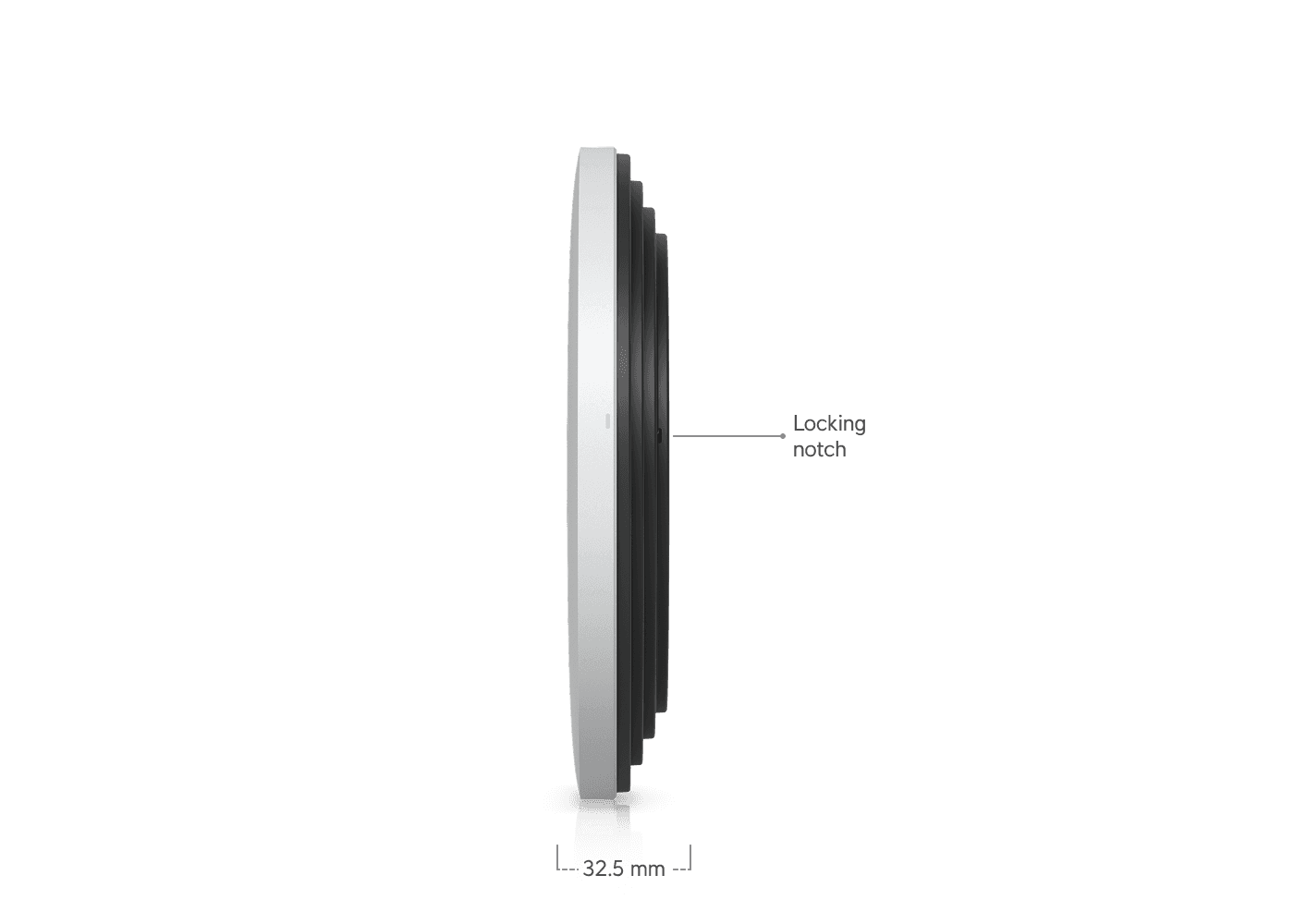
Ubiquiti U7 Pro XGS, Ceiling-mounted 8-stream WiFi 7 AP,Dedicated Spectral Scanning Radio,10/5/2.5/1 GbE Support,160 m² Coverage,500+ Devices

UBIQUITI DREAM MACHINE SPECIAL EDITION,CLOUD GATEWAY, 100+ DEV, (2)10G SFP+, 3.5 Gbps,1Y
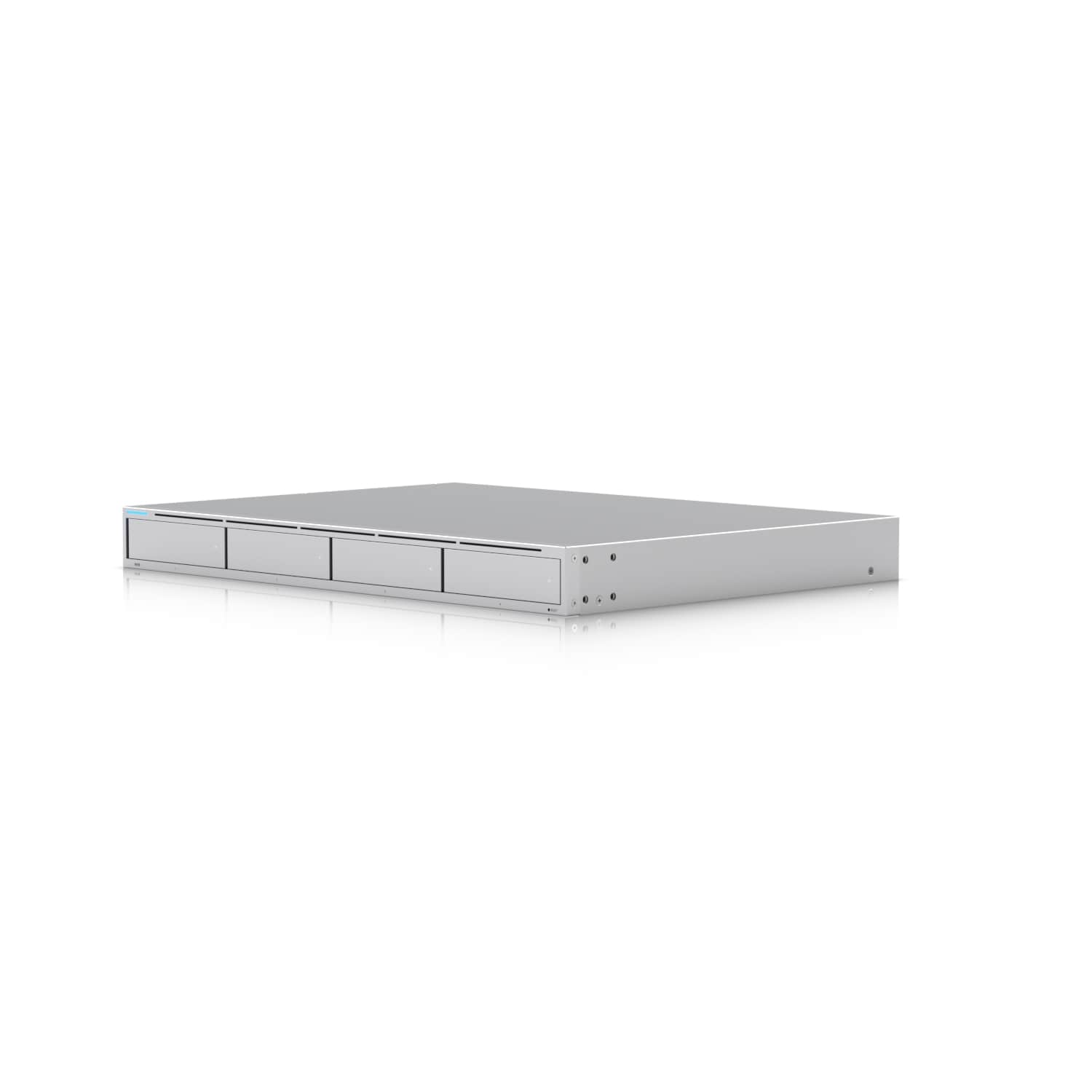
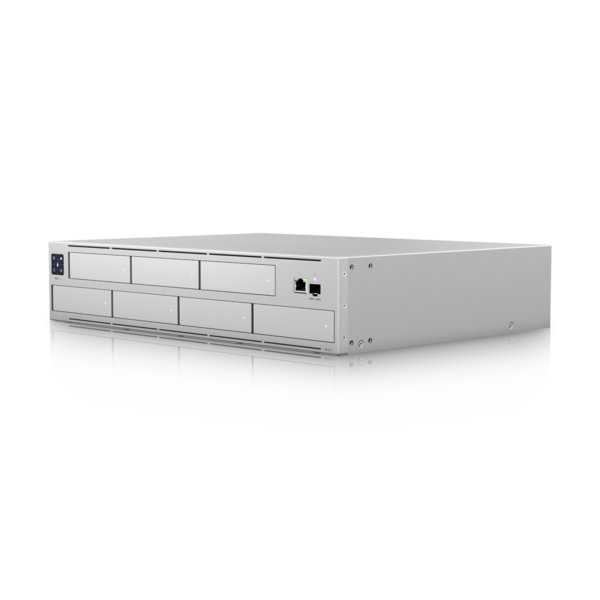
UBIQUITI UniFi NVR, QUAD ARM 1.7GHz, 4GB, 3.5" HDD(0/4), 10G SFP+, RJ45, 1YR
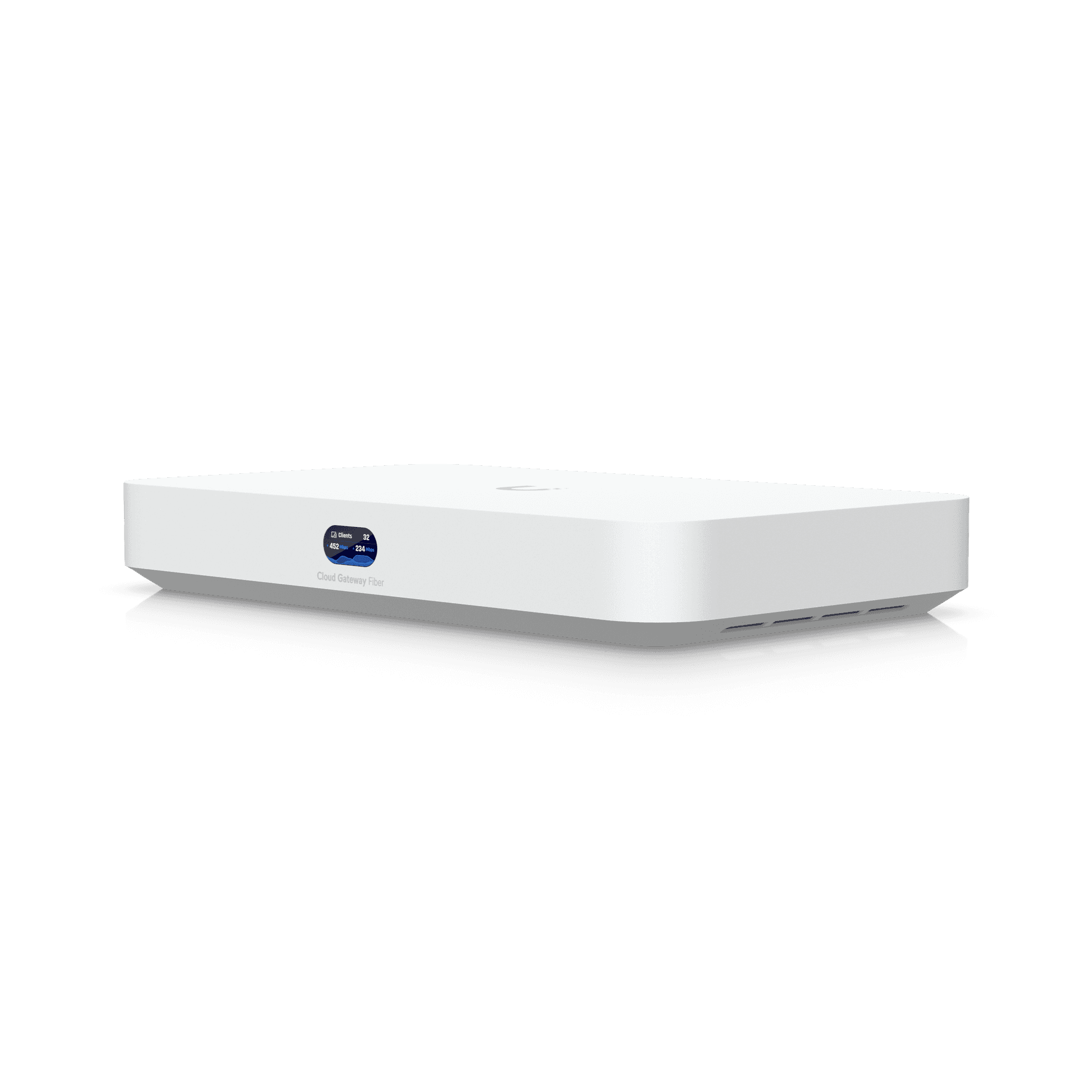
Ubiquiti Cloud Gateway Fiber,UCG-Fiber, Desktop 10G Cloud Gateway,Integrated PoE Switch,Selectable NVR Storage,Full UniFi Application Support
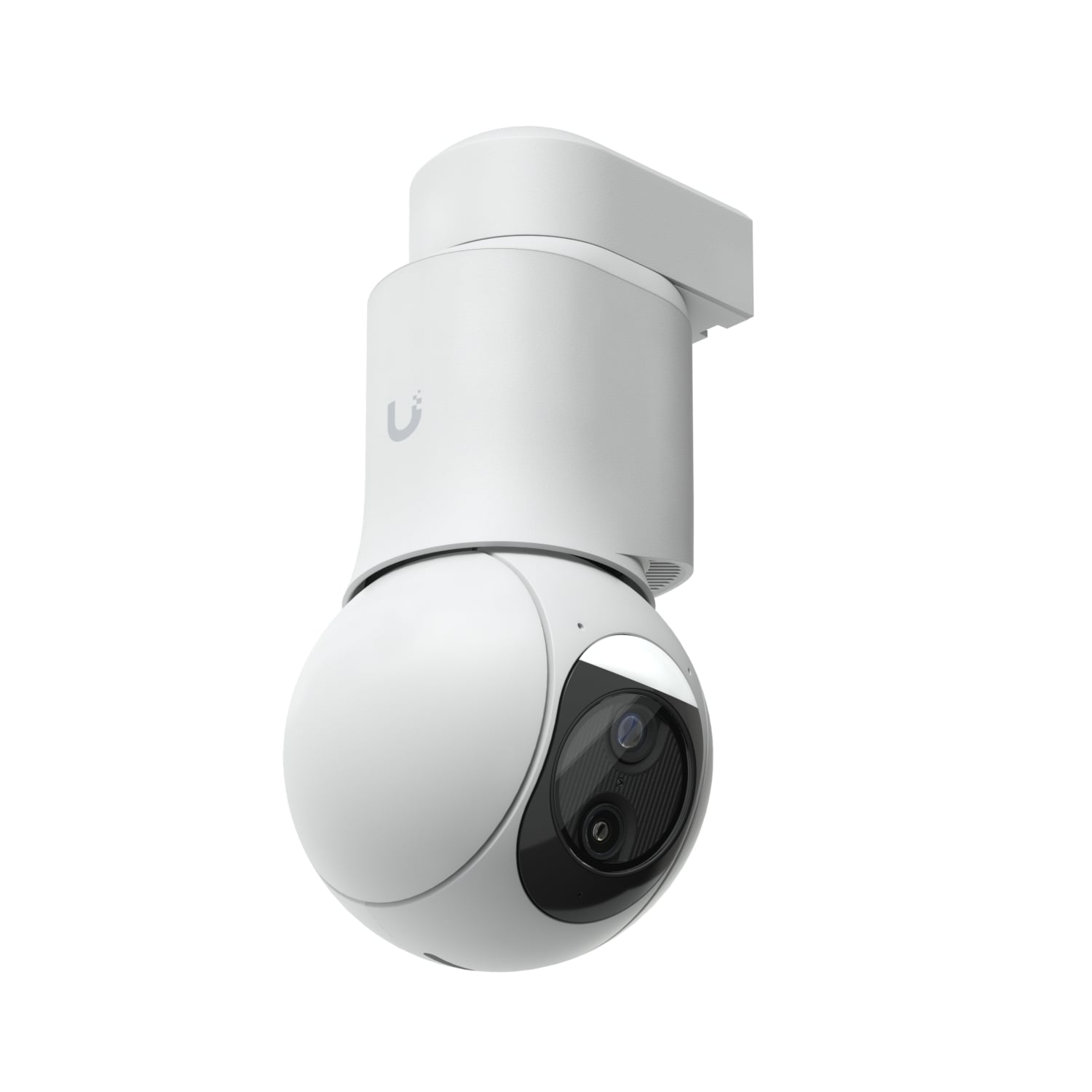
UBIQUITI UniFi PROTECT G6 PTZ CAMERA, IR(30M), 4K(8MP),30FPS, AUDIO, IP66, WHITE, 1YR

Ubiquiti U7-Pro-Max, Ceiling-mounted WiFi 7 AP, 8 Spatial Streams,6 GHz Support,2.5 GbE Uplink, 500+ Devices,For Large-scale Environments

Ubiquiti UniFi Access Gen 2 Starter Kit - UniFi Dream Machine Pro required
The UniFi Ecosystem
UniFi Network: WiFi 7 Has Arrived
Ubiquiti's latest WiFi 7 access points represent a generational leap in wireless technology. With support for Multi-Link Operation (MLO), wider 320 MHz channels on 6 GHz, and 4K-QAM modulation, these access points deliver throughput figures that rival wired connections.
U7 Pro XGS vs U7 Pro Max
| Feature | U7 Pro XGS | U7 Pro Max |
|---|---|---|
| WiFi Standard | WiFi 7 (802.11be) | WiFi 7 (802.11be) |
| Max Throughput | Up to 13.7 Gbps | Up to 10.7 Gbps |
| Uplink | 10 GbE | 2.5 GbE |
| Spatial Streams | 4x4 + 4x4 + 4x4 | 4x4 + 2x2 + 2x2 |
| Recommended Clients | 600+ | 300+ |
| PoE Requirement | PoE++ | PoE+ |
| Best For | Large venues, stadiums | Offices, homes |
Product Specifications: U7 Pro XGS
| Model | U7-PRO-XGS |
|---|---|
| WiFi Standard | 802.11be (WiFi 7) |
| Frequency Bands | 2.4 GHz / 5 GHz / 6 GHz |
| Max Data Rate | 13.7 Gbps aggregate |
| Ethernet Uplink | 10 GbE RJ45 |
| PoE | 802.3bt (PoE++) |
UniFi Dream Machine: The All-in-One Gateway
The Dream Machine lineup consolidates your router, firewall, switch, and controller into a single appliance. The Dream Machine Pro Max sits at the top with 10G WAN/LAN, advanced threat management, and enough horsepower to run all UniFi applications simultaneously.
Pros
- All-in-one: router, firewall, switch, NVR, controller
- 10 Gbps WAN and LAN with SFP+
- Runs all UniFi applications natively
- Advanced IDS/IPS with real-time threat detection
- Sleek 1U rackmount design
Cons
- Premium price point at $1,099
- Requires UniFi ecosystem commitment
- No built-in WiFi (need separate APs)
- Single WAN port (no dual-WAN failover)
Pro Tip: Start with a Dream Machine as your foundation. You can always add switches, APs, and cameras later.
UniFi Protect: Surveillance Made Simple
UniFi Protect is Ubiquiti's video surveillance platform. No monthly cloud fees, no per-camera licensing. The new G6 PTZ brings 4K resolution with optical zoom and AI-powered tracking.
The best camera system is the one you actually use. UniFi Protect removes the complexity that makes most surveillance platforms collect dust after installation.
Network Configuration Example
Here's a quick Python example that queries your UniFi controller for connected access points:
import requests

BASE_URL = 'https://192.168.1.1:443'
SESSION = requests.Session()
SESSION.verify = False

SESSION.post(f'{BASE_URL}/api/auth/login', json={
    'username': 'admin',
    'password': 'your-password'
})

response = SESSION.get(f'{BASE_URL}/proxy/network/api/s/default/stat/device')
for ap in response.json()['data']:
    if ap.get('type') == 'uap':
        print(f"{ap.get('name')}: {ap.get('num_sta', 0)} clients")
Security Note: Never hardcode credentials in production scripts. Use environment variables or a secrets manager.
Choosing the Right Ubiquiti Setup
| Deployment Size | Gateway | Switch | Access Points | Budget |
|---|---|---|---|---|
| Home / Small Office | Cloud Gateway Fiber | USW-Lite-8-PoE | 1-2x U7 Pro | $800 - $1,500 |
| Medium Office (50) | Dream Machine SE | USW-Pro-24-PoE | 3-5x U7 Pro Max | $2,500 - $4,000 |
| Large Enterprise | Dream Machine Pro Max | USW-Enterprise-48 | 10-20x U7 Pro XGS | $8,000 - $15,000 |
For most Australian businesses, the Dream Machine SE + U7 Pro Max combination hits the perfect balance of performance, manageability, and cost.
Deep Dive
UniFi Access: Physical Security
UniFi Access brings door access control into the same management platform. The Gen 2 Starter Kit includes an access reader with NFC, a hub, and all mounting hardware.
Important: UniFi Access requires a UniFi OS Console as its controller. It cannot operate standalone.

Ubiquiti Unboxing and Setup
Watch the official Ubiquiti overview of the Dream Machine Pro Max and UniFi ecosystem:
Introduction to UniFi (Part 1): Why UniFi - Troy Hunt (Official Ubiquiti Channel)
More Products to Explore
UniFi Protect and Access
UBIQUITI UniFi PROTECT G6 PTZ CAMERA, IR(30M), 4K(8MP),30FPS, AUDIO, IP66, WHITE, 1YR
UBIQUITI UniFi NVR, QUAD ARM 1.7GHz, 8GB , 2.5/3.5" HDD(0/7), 10G SFP+,1YR
UBIQUITI UniFi NVR, QUAD ARM 1.7GHz, 4GB, 3.5" HDD(0/4), 10G SFP+, RJ45, 1YR
Ubiquiti UniFi Access Gen 2 Pro Starter Kit - Comprehensive UniFi Access Starter Kit - UniFi Dream Machine Pro required
Ubiquiti UniFi Access Gen 2 Starter Kit - UniFi Dream Machine Pro required

Ubiquiti UniFi Protect G5 PTZ Camera, Black, Compact, Weatherproof 2K HD, IP66, Remote Pan-tilt-zoom Control, Automatic Person Tracking.
Frequently Asked Questions
No. UniFi runs entirely on local hardware. Cloud access via ui.com is free and optional. There are no monthly fees for any UniFi application.
The Dream Machine SE includes a built-in 8-port PoE switch for small-to-medium deployments. The Pro Max offers 10G SFP+ WAN, higher IDS/IPS throughput, and a dedicated HDD bay for Protect recordings.
Yes. UniFi access points are managed centrally and clients roam seamlessly between WiFi 6 and WiFi 7 APs. Upgrade gradually by deploying WiFi 7 in high-traffic areas first.
Up to 20 Protect cameras with internal storage. For larger deployments (60+ cameras), pair it with a dedicated NVR Pro.
Yes. WiFi 7 APs support 600+ clients, 10G backbone switching, RADIUS/802.1X authentication. UniFi is deployed in hotels, schools, hospitals, and offices worldwide.
Ready to upgrade your network? Browse our full Ubiquiti range.
Shop Ubiquiti Now