What is NBN? Australia's National Broadband Network Explained
NBN is Australia's national broadband infrastructure — but not every home gets the same type of connection. This guide explains the four connection types, speed tiers, and what router you actually need.
Note: You can check your NBN connection type and eligible speed tiers at nbnco.com.au by entering your address.
NBN stands for National Broadband Network — Australia's government-owned wholesale broadband infrastructure. NBN Co builds and maintains the physical network; retail providers like Telstra, Aussie Broadband, Superloop, and TPG sell plans over the top of it.
What makes NBN complicated is that it was built using several different technologies depending on what infrastructure already existed in each area. Your neighbour might have a different type of NBN connection than you — and that affects the maximum speeds they can achieve.
The Four NBN Connection Types
Source: www.nbnco.com.au
FTTP — Fibre to the Premises
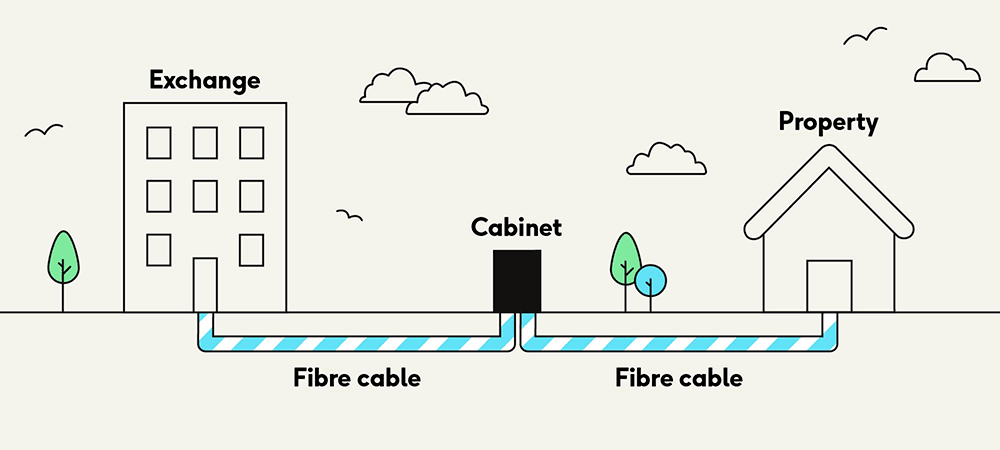
FTTP is the best NBN connection type. A fibre-optic cable runs all the way from the exchange to a small box (the NTD — Network Termination Device) inside your home. Fibre carries data as pulses of light, so there is no signal degradation over distance.
Maximum speed: Currently up to 1,000 Mbps download on standard plans, with 2 Gbps plans rolling out to eligible premises in 2025–2026.
Who gets it: Newly built areas and homes in the NBN's ongoing fibre upgrade program. FTTP is now the most common connection type in Australia as the upgrade program expands.
On the day, we'll be installing nbn equipment including: fibre cabling, an nbn utility box outside your premises, plus an nbn connection box inside your premises. See the nbn FTTP supplied equipment set-up below:
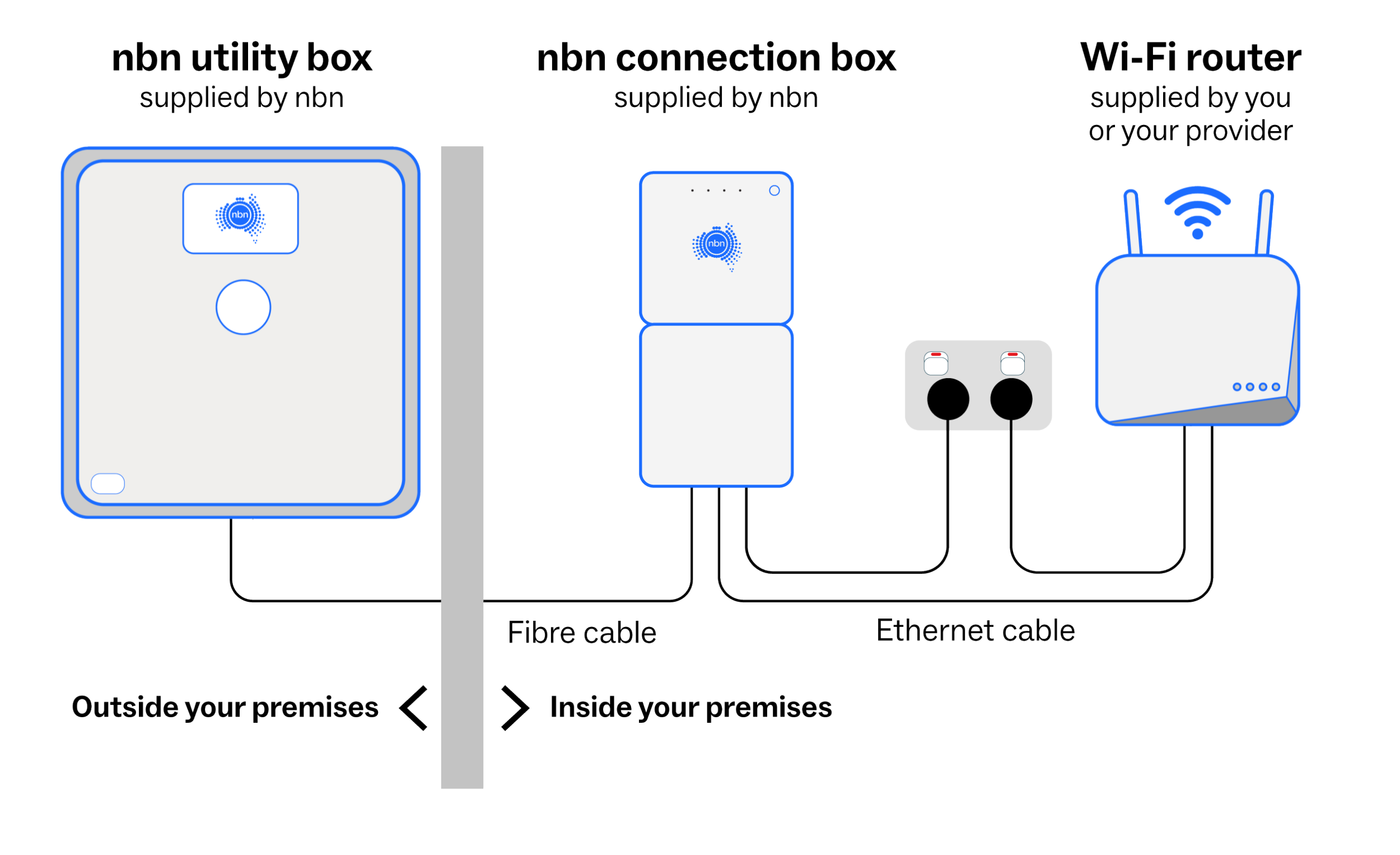
- Outside the premises: nbn utility box. The maximum size of the box is 250mm (w) x 260mm (h) x 80mm (d).
- Inside the premises: the nbn connection box. The box size is:
- 1 port: max. 200mm (h) x 110mm (w) X 45.5mm (d). This first type is what will be installed in most instances.
- 4 port: max. 250mm (h) x 180mm (w) x 48mm (d). The second type is typically for premises or businesses requiring multiple FTTP services.
- Clearance around the equipment needs to be considered dependent on installation locations.
- nbn fibre cabling will be installed from the street to the external nbn utility box. This can utilise existing cable pathways or include activities like surface mounting cable (e.g. on walls and fences), providing new cable pathways, or shallow burying cable. Read more about the practice of shallow bury cable.
- The nbn utility box will be installed close to your existing telecommunications utility box, usually at the front of the premises, no lower than 400mm to the ground and clear from other utilities.
- The nbn approved technician will also install fibre cable between the nbn utility box and the nbn connection box.
To learn more about nbn connection box installation guidelines, download our guide.
Your nbn approved technician will use the following guidelines to find a suitable location for the nbn connection box.
If it isn't feasible to meet all of these guidelines on the day of installation, exceptions may be considered. Your technician will discuss your options with you on the day.
The nbn connection box should be installed:
- Within 3 metres of an existing power point outlet inside your premises.
- Within a 12 metre radial distance of the nbn utility box. If there is no suitable location within the 12 metre radius according to nbn installation guidelines, the technician will, where feasible, install the nbn connection box in the nearest most suitable location beyond 12 metres.
- In an easily accessible location for convenient monitoring of the indicator lights, if required.
- Away from existing utilities such as gas lines, external water systems and away from direct sunlight.
- In an easily accessible location taking into consideration health and safety (for example, our technicians are not able to access low roof spaces or low underfloor spaces).
- A safe position where it will not be easily damaged.
- In a cool, dry, ventilated area. It cannot be placed in a wet area, such as the bathroom, laundry, kitchen wet area or under a window that opens.
- On the ground floor in a multi-story building.
- On the inside surface of the external wall that your nbn utility box was installed (and within the same building).
- Not in a garage or a bedroom unless:
- You specifically request it or;
- There's existing Ethernet cabling from the garage or bedroom to a better location for your Wi-Fi router or;
- A pathway has been provided from the nbn utility box to the garage or bedroom or;
- It's the only safe or feasible option due to the construction/layout of your premises.
Considerations for businesses
The nbn technician will complete the installation in a communications room or rack, provided that it falls within nbn’s installation guidelines or, if outside these guidelines, provided there is a Customer Installed Fibre Cable Pathway available that meets nbn standards.
If you are upgrading to fibre as part of our Fibre Connect upgrade process, extended installation options may be available with an eligible nbn Business Plan. Check out the Full fibre business connection process , or talk to your provider for details.
HFC — Hybrid Fibre Coaxial
HFC — Hybrid Fibre Coaxial
HFC uses fibre from the exchange to a node in your street, then the existing Foxtel/cable TV coaxial cable for the last stretch into your home. If you had Foxtel cable TV before NBN, you almost certainly have HFC.
Maximum speed: Up to 1,000 Mbps download on eligible plans.
Who gets it: Around 3 million Australian premises, mostly in metropolitan areas where Telstra or Optus cable TV infrastructure existed.
FTTC — Fibre to the Curb
nbn Fibre to the Curb (FTTC) installation
FTTC runs fibre from the exchange to a small device (the DPU — Distribution Point Unit) in the pit at the curb outside your home. From there, it uses your existing copper phone line for the last 30–100 metres into your house. Because the copper run is so short, speeds are much more consistent than FTTN.
Maximum speed: Up to 250 Mbps download.
Who gets it: Around 700,000 Australian premises.
FTTN — Fibre to the Node
What to expect on the day of your installation
FTTN runs fibre to a cabinet (node) on your street, then uses old copper phone lines from the node to your home. The copper run can be anywhere from 100 metres to over a kilometre — and the longer it is, the slower your connection. This is the most common cause of disappointing NBN speeds.
Maximum speed: Theoretically up to 100 Mbps, but many FTTN premises achieve 50 Mbps or less depending on copper quality and distance from the node.
Who gets it: Around 5 million premises. NBN Co is gradually upgrading many FTTN homes to FTTP through its Upgrade on Demand program.
Free FTTP upgrade? Many FTTN homes are eligible for a free upgrade to FTTP through NBN Co's upgrade program. Check your eligibility at nbnco.com.au — it can dramatically improve your connection.
NBN Speed Tiers
| NBN 25 (Basic) | 25 Mbps download / 5 Mbps upload. Suitable for light browsing and one HD stream. Not recommended for households. |
|---|---|
| NBN 50 (Standard) | 50 Mbps download / 20 Mbps upload. Adequate for 2–3 people with mixed usage. |
| NBN 100 (Fast) | 100 Mbps download / 20 Mbps upload. The most popular tier. Comfortable for 4–5 people, 4K streaming, video calls. |
| NBN 250 (Superfast) | 250 Mbps download / 25 Mbps upload. For power users and heavy households. Requires FTTP, HFC, or FTTC. |
| NBN 1000 (Ultrafast) | 1,000 Mbps download / 50 Mbps upload. The fastest standard tier. Requires FTTP or HFC. Excellent for home offices and large families. |
| NBN 2000 (Hyperfast — new) | 2,000 Mbps download / 500 Mbps upload. Rolling out to FTTP premises from 2025. Requires compatible modem/router. |
What Router Do You Need for NBN?
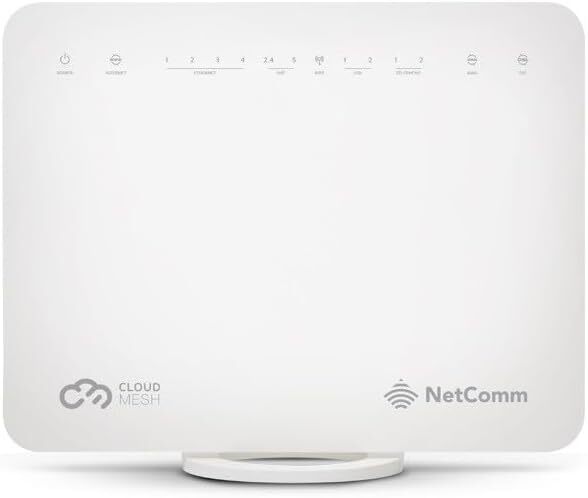
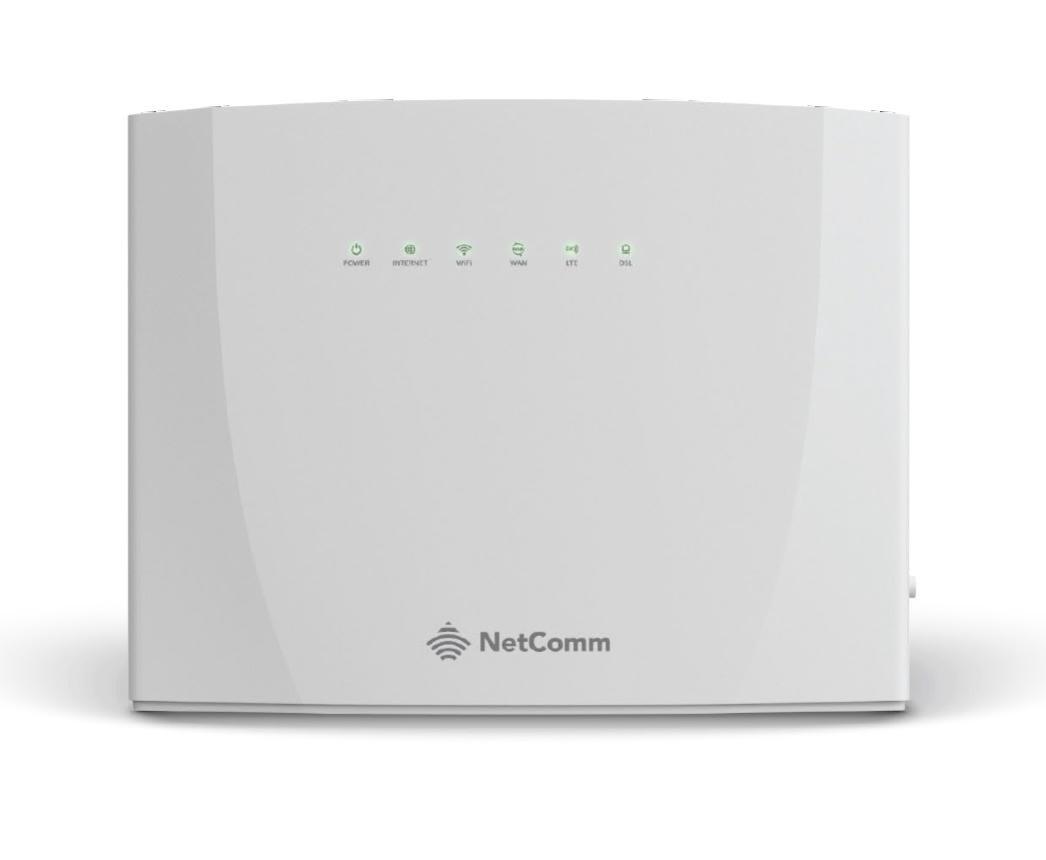
The NBN NTD (the box NBN Co installs in your home) is not a router — it is just a termination point for the network. You need a router to actually connect your devices. Your ISP may provide one for free; you can also buy your own.
Key things to look for in an NBN-compatible router:
- WAN port: A standard Ethernet WAN port works for FTTP, HFC, and FTTC. FTTN requires a router with a built-in VDSL modem (or a separate VDSL modem).
- Speed rating: For NBN 100 or above, you want a router capable of handling Gigabit WAN. Most modern routers handle this easily.
- WiFi standard: WiFi 6 or 6E is recommended for new purchases — it handles more devices more efficiently and is significantly faster at close range.
- For NBN 1000: Your router needs a 2.5 GbE or faster WAN port to actually achieve gigabit speeds (standard Gigabit Ethernet maxes out at ~940 Mbps in practice).
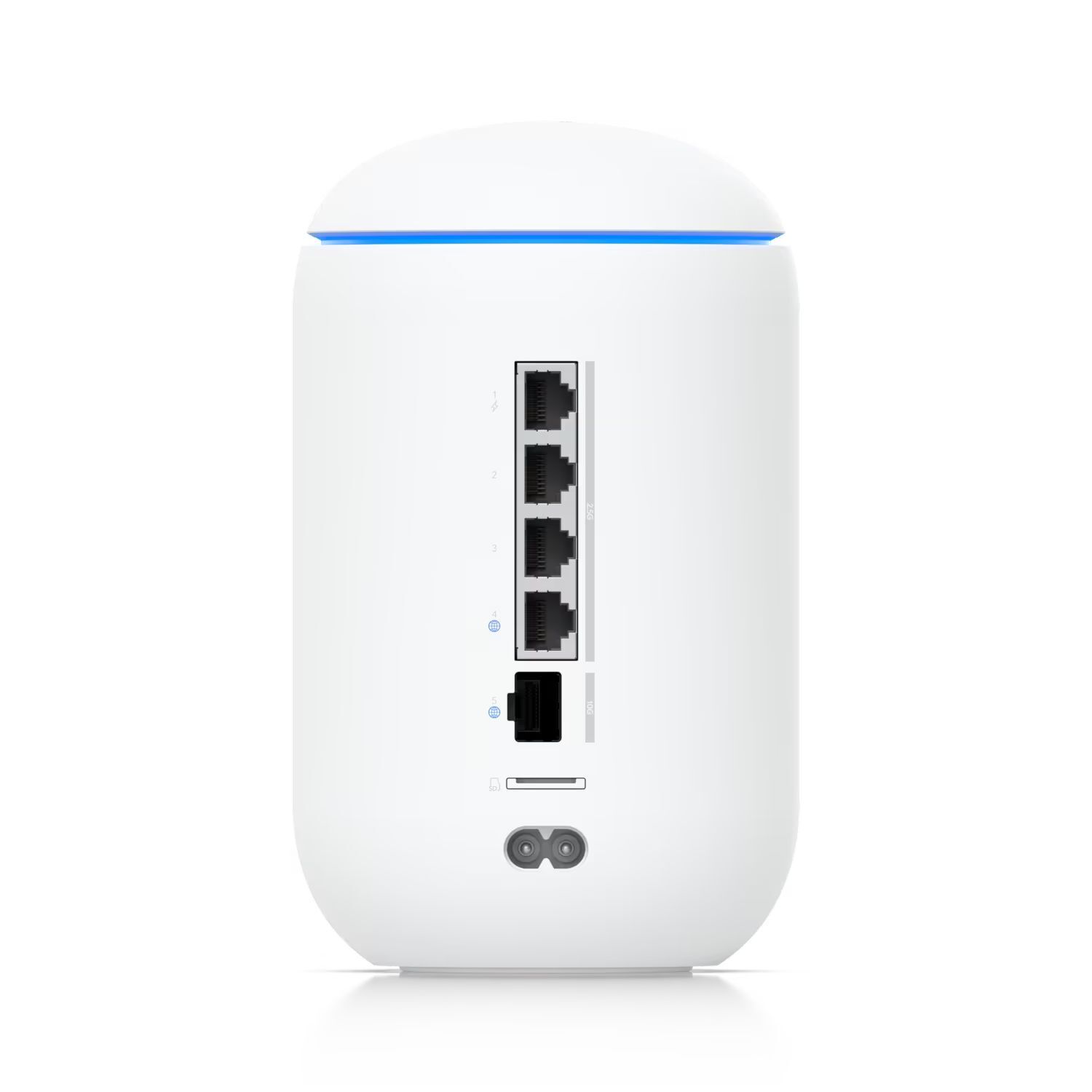
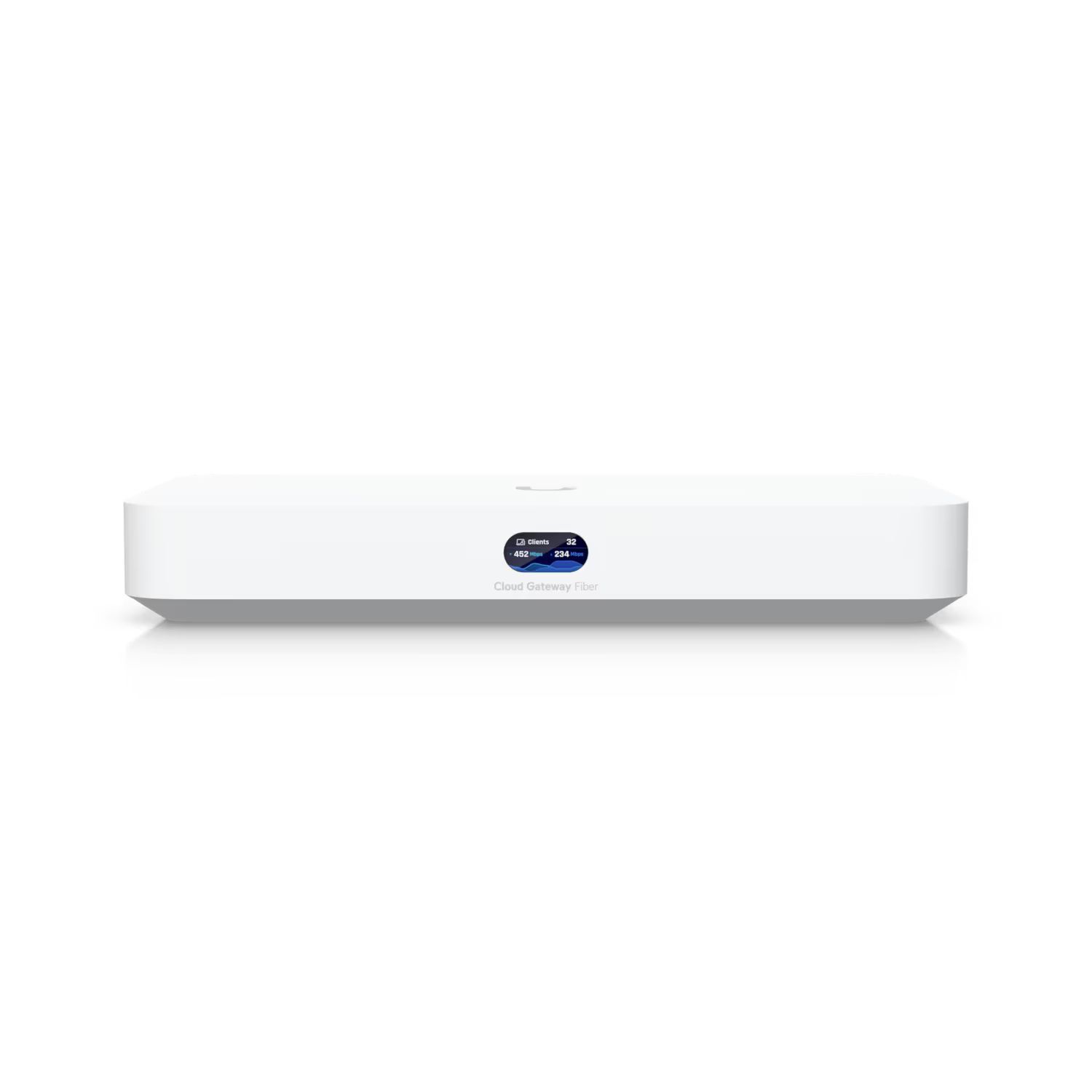
If you want the most control and the best performance, a UniFi Dream Machine or UniFi Gateway combined with UniFi access points gives you enterprise-grade networking at a reasonable price.
Go to nbnco.com.au and enter your address. It will show your connection type and the maximum speed tiers you can access.
Common causes: Wi-Fi interference (try a wired connection to test), congestion during peak hours (6–10pm), a cheap router that can't sustain the connection speed, or for FTTN — a long or degraded copper line from the node to your premises. Contact your ISP if speeds consistently fall below 75% of your plan speed.
NBN is available to almost all fixed premises in Australia. Remote and regional areas may use Sky Muster satellite NBN instead of a fixed connection. Some new developments are still being connected. A small number of premises use Fixed Wireless NBN where fibre or cable cannot reach.
Yes — on FTTP and HFC you simply plug your own router into the NBN NTD box using an Ethernet cable and configure PPPoE with your ISP credentials. On FTTN you need a VDSL-capable router or modem. Check your ISP's setup guides for the specific configuration required.
Getting the most from your NBN connection starts with the right WiFi setup. Read our guide on WiFi bands to understand 2.4GHz, 5GHz, and 6GHz.
WiFi Bands Explained →