 Networking
Active networking gear — switches, routers and gateways, Wi-Fi access points, and wireless bridges.
708 products Routers & Gateways
 Wi-Fi Access Points
 Wireless Bridges


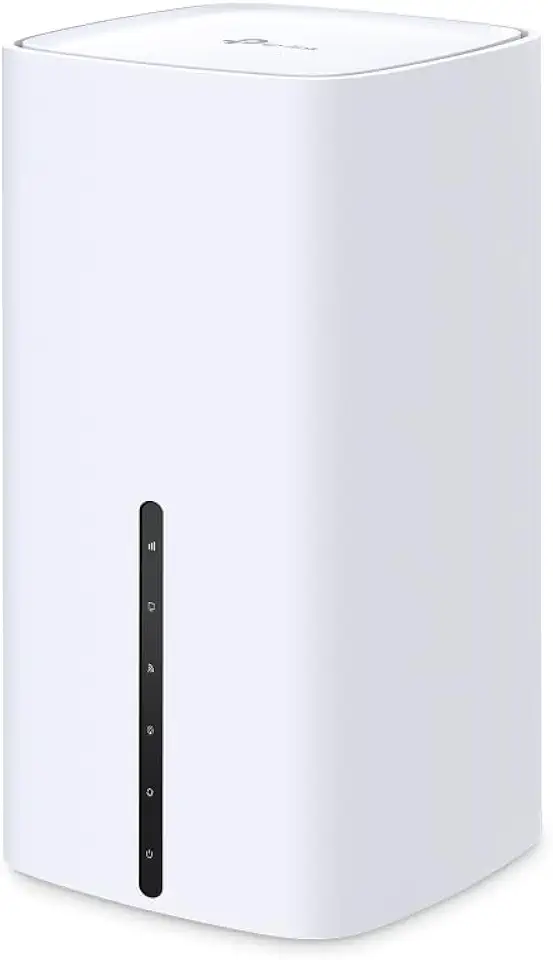


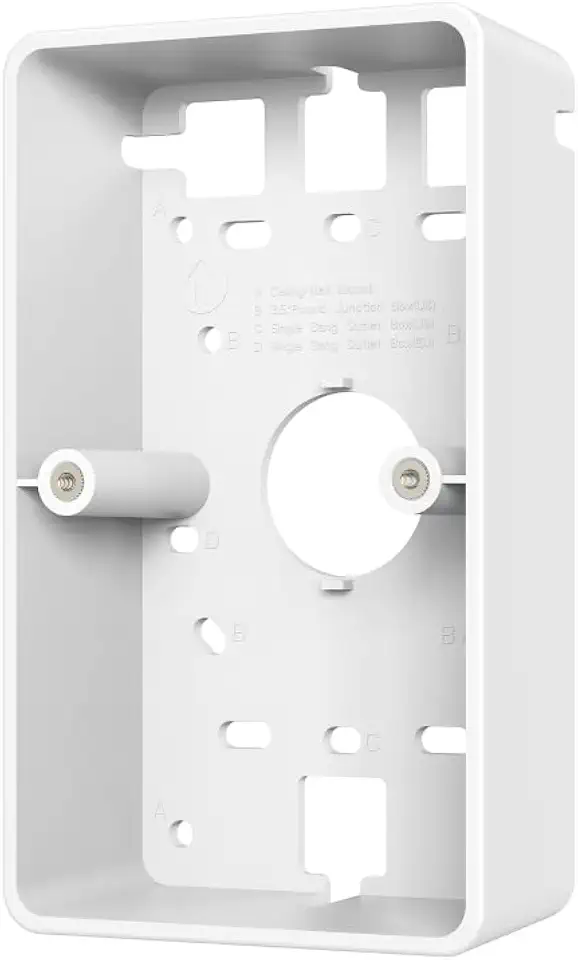
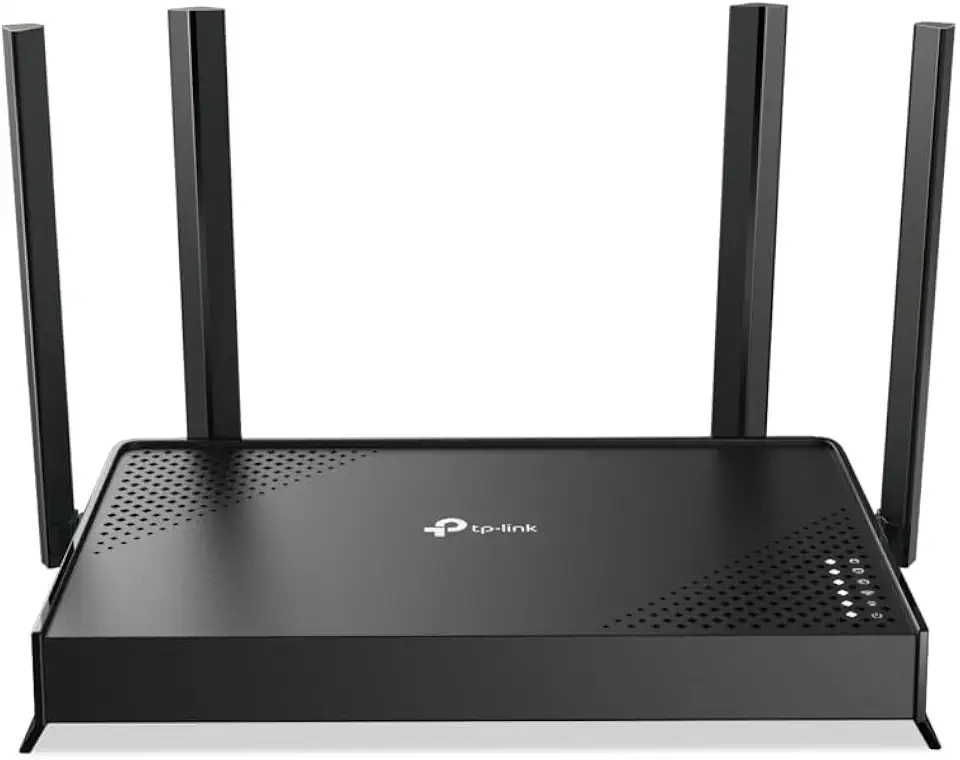


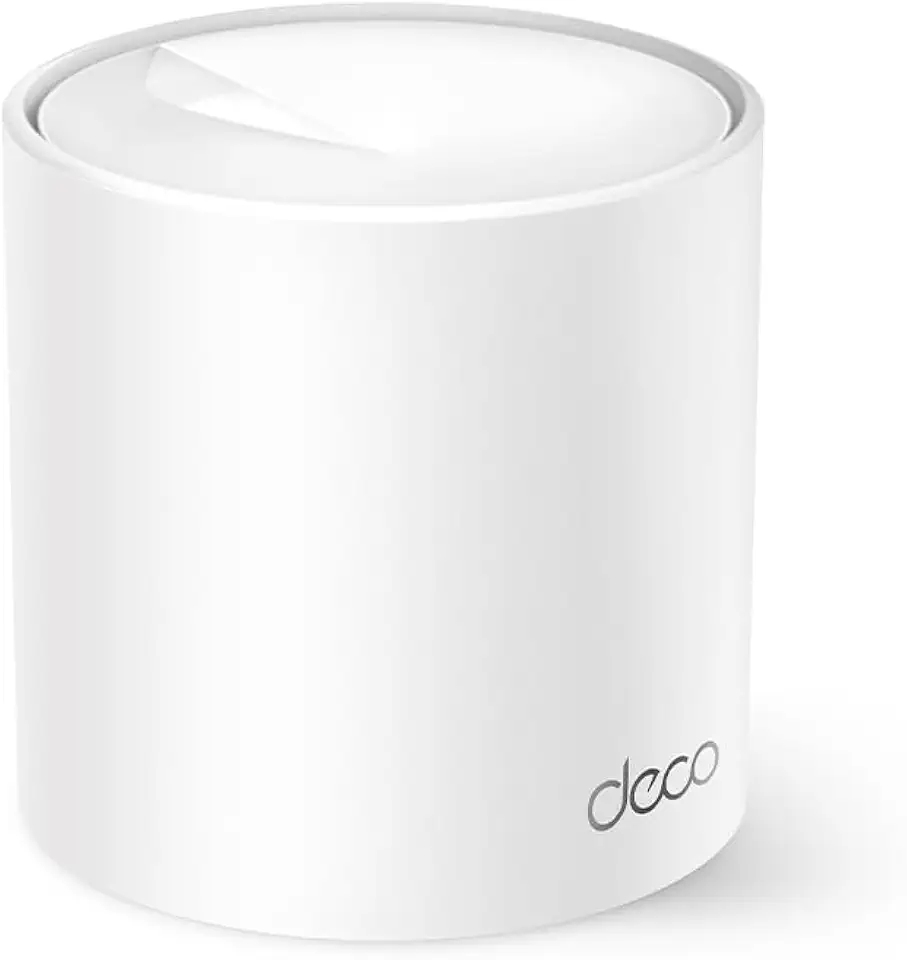




Read about Networking
Everything you need to build a fast, reliable network — switches, routers and gateways, Wi-Fi access points and point-to-point bridges. Below are answers to the questions we get asked most.
What's the difference between a switch, a router/gateway and an access point?
A switch connects wired devices together and (with PoE) can power them. A router/gateway connects your network to the internet and handles routing, firewall and VPN. A Wi-Fi access point (AP) adds wireless coverage. In a UniFi setup a Cloud Gateway often combines the router, firewall and network controller in one unit.
Do I need a managed or unmanaged switch?
Choose a managed switch (e.g. UniFi USW) if you want VLANs, PoE control, monitoring and remote management — ideal for business or a serious home network. An unmanaged switch is fine for simply adding more wired ports with no configuration.
What is PoE and do I need it?
Power over Ethernet (PoE) delivers power and data over a single Ethernet cable, so APs, cameras and phones don't need a nearby power outlet. Check the device's PoE standard (PoE / PoE+ / PoE++) and make sure your switch or injector supplies enough total wattage (the PoE budget).
How do I choose the right Wi-Fi access point?
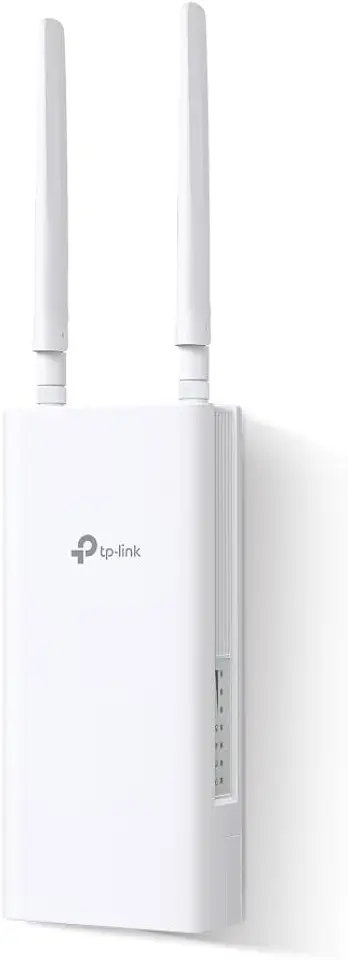
Match the AP to the space and device count: Wi-Fi 6/7 flagship APs for high-density areas, outdoor-rated models for exterior coverage, and wall or in-wall units for rooms and hospitality. As a rough guide, plan one AP per ~75–100 m² and avoid relying on a single AP for a whole multi-room property.
What is a wireless bridge?
A point-to-point (PtP) wireless bridge links two locations without running cable — for example connecting a shed, second building or site over distance using UISP airMAX, airFiber or 60 GHz GigaBeam radios.
Is the gear genuine and warranted?
Yes — we supply genuine Ubiquiti and partner-brand hardware with Australian warranty, and dispatch quickly from within Australia. If you're not sure which model fits your site, contact us and we'll help you spec it.