 Storage & Backup
NAS, internal and external hard drives, SSDs, and backup hardware.
1098 products NAS
NAS


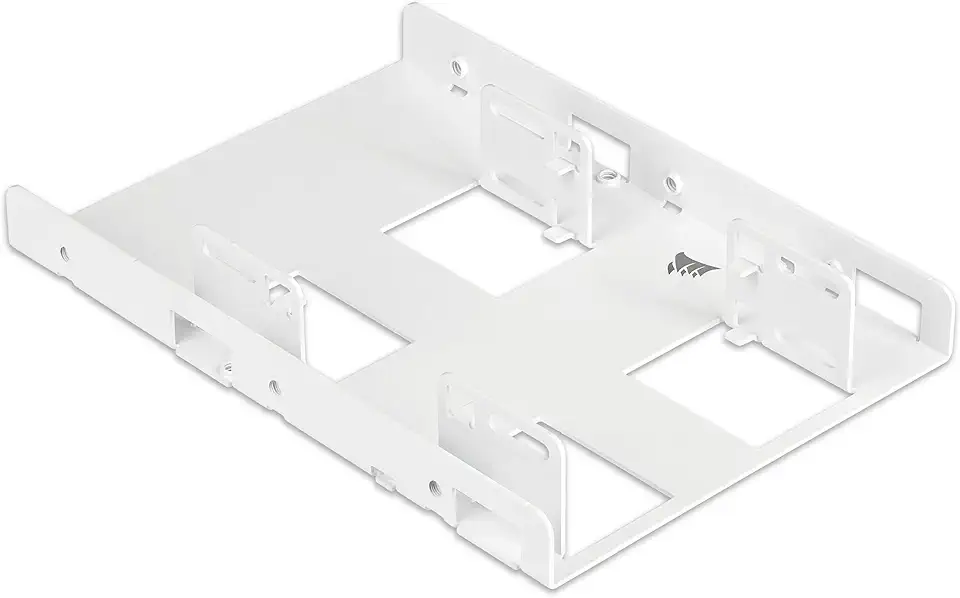


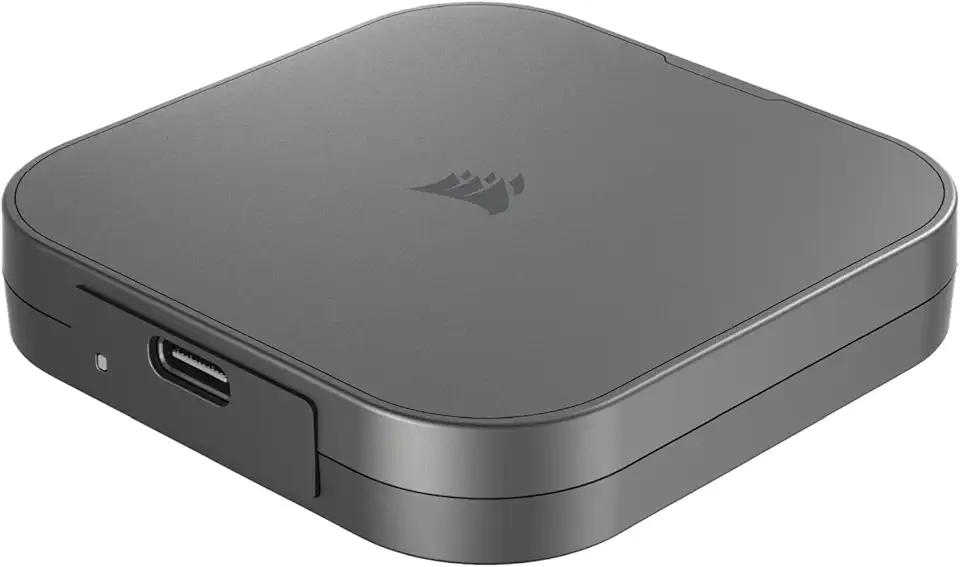


Read about Storage & Backup
Centralise, share and protect your data with UniFi UNAS network storage, NAS units and the right drives.
What is a NAS and do I need one?
A NAS (Network Attached Storage, e.g. UniFi UNAS) is a always-on box of drives shared across your network — great for central file storage, backups and surveillance footage instead of scattered USB drives.
What drives should I put in a NAS or NVR?
Use NAS- or surveillance-rated hard drives designed for 24/7 operation and multi-drive vibration — they're far more reliable for always-on use than standard desktop drives.
How much storage do I need?
Size for your largest use plus headroom. Surveillance is the big one — more cameras, higher resolution and longer retention all increase capacity, so add drives or higher-capacity models accordingly.
What's a good backup practice?
Follow 3-2-1: three copies of your data, on two types of media, with one off-site. A NAS makes the on-network copy easy; pair it with an off-site or cloud copy for true protection.